Shida Li
Co-founder and CTO
A private, flexible note-taking app — Markdown-based knowledge base with graph view, plugins, and local-first storage.

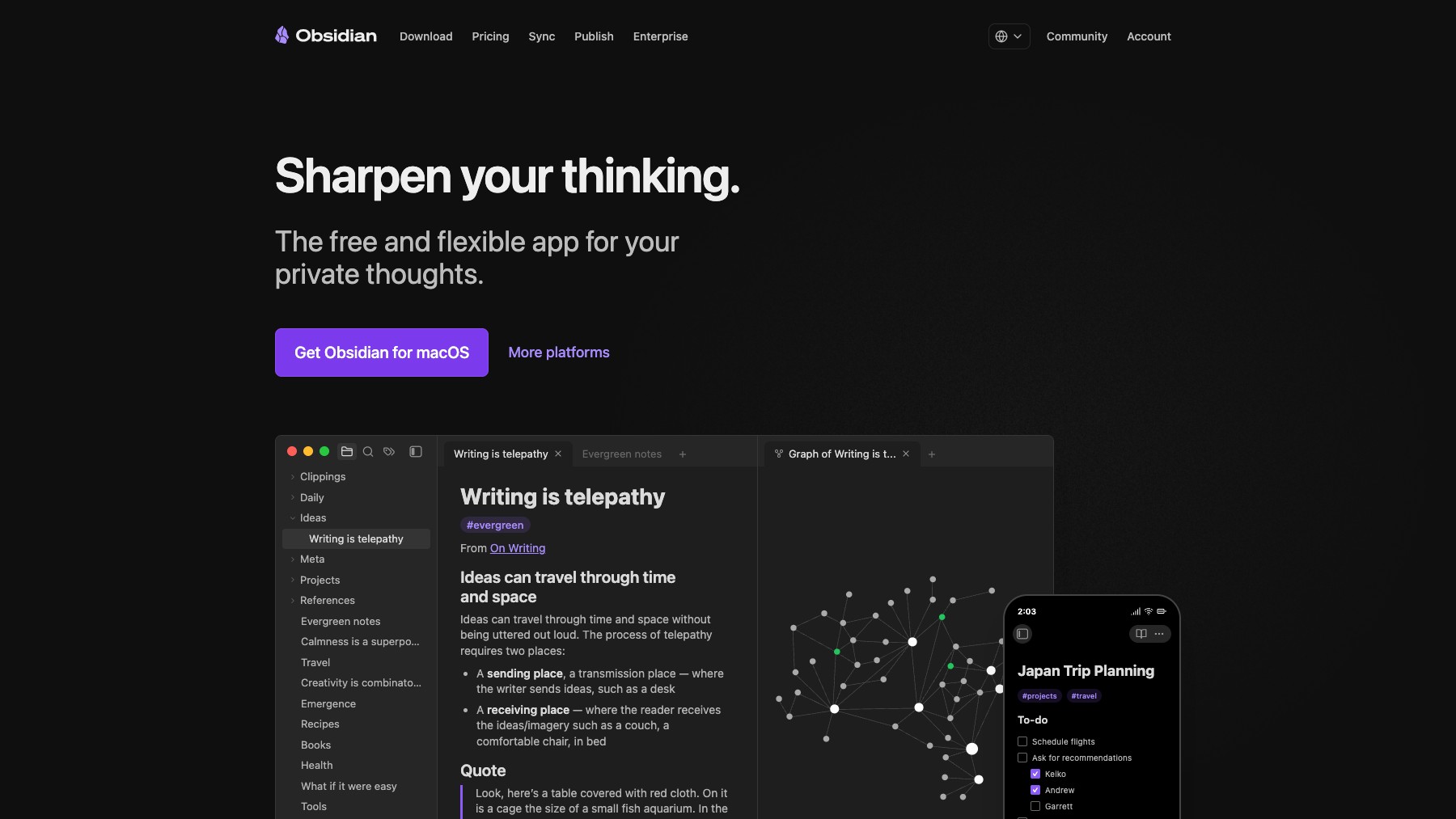
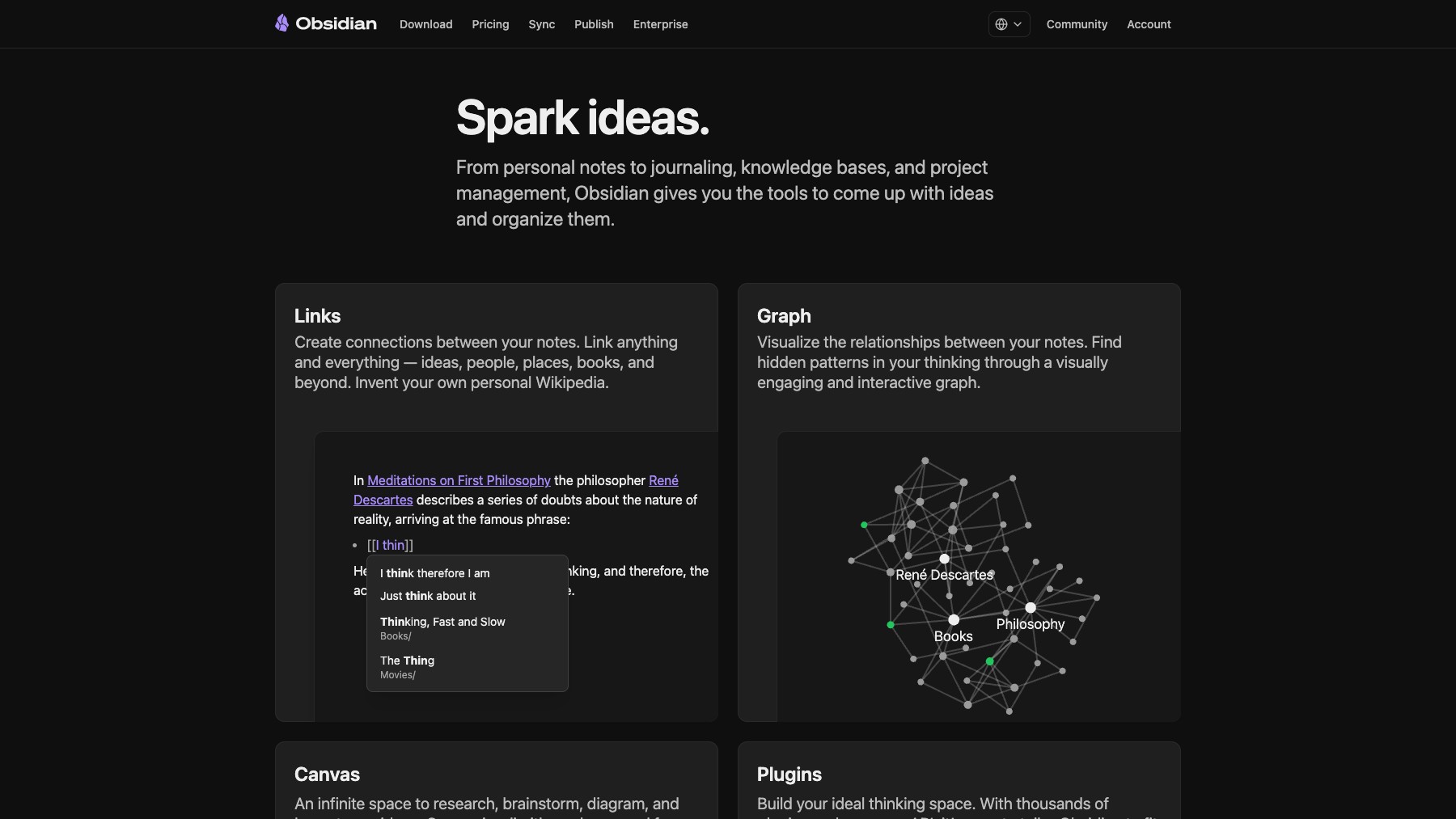
Obsidian is a powerful note-taking and knowledge management app built on local Markdown files. Create notes, link them together, and visualize your knowledge graph. With over 1,000 community plugins, you can customize it into a task manager, writing tool, research hub, or personal wiki.
Your data stays on your device — no cloud lock-in. Free for personal use with paid Sync and Publish add-ons for cross-device sync and web publishing.
Common questions about Obsidian
Traffic and momentum for Obsidian
6 similar tools
Notion
All-in-one workspace for notes, docs, projects, and wikis — with AI built in for writing, summarizing, and organizing.
Milanote
Visual tool for organizing creative projects — collect notes, images, videos, and tasks on flexible boards.

Notion Mail
AI email client from Notion — auto-organizes, labels, and filters your inbox, drafts replies, and turns repeated responses into reusable snippets.
Obsidian Web Clipper
Save any web page to Obsidian — clip articles, highlights, and full pages as Markdown notes with one click.
Notion Calendar
A calendar app that brings Google, iCloud, and Outlook together in one place — schedule, RSVP, and manage events alongside your Notion workspace.
Hejour
A calm macOS notebook where every day is a page: daily notes, todos that carry over, and days that pass notes to each other.
Similar Launches
Obsidian Web Clipper
Save any web page to Obsidian — clip articles, highlights, and full pages as Markdown notes with one click.

Claude for Google Workspace
Use Claude in Google Docs, Sheets, and Slides to edit documents, analyze data, fix formulas, and build presentations.
ChatGPT
AI assistant by OpenAI — chat, write, code, analyse data, generate images, and browse the web, powered by the GPT-5.6 family.
Comments