
Alexey Sekachov
Creator
Native Mac visual library for collecting and organizing images, videos, and links as creative references.
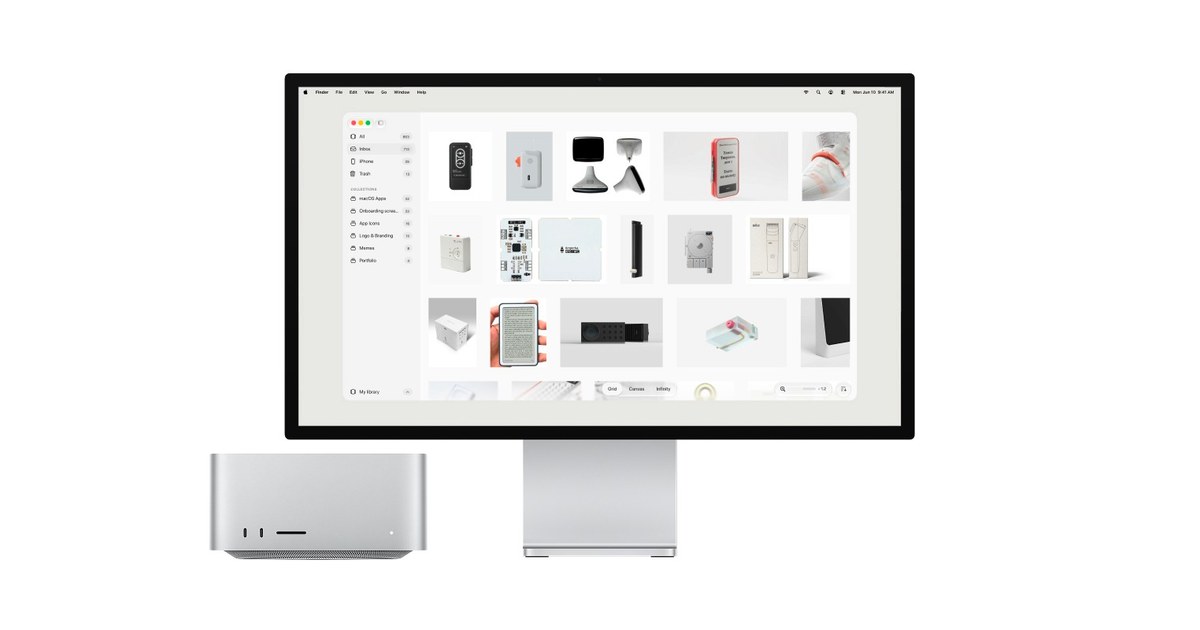
Atlas is a local-first visual library for designers and creators on Mac. Collect images, videos, and links, organize them into nested collections, and browse them in grid, canvas, or infinite-canvas views. Atlas works with files stored on your Mac or in folders you connect, including cloud-synced folders, and can connect to an existing Eagle library.
A seven-day trial supports up to five boards; the full license is a one-time $39 purchase and includes one year of updates.
Common questions about Atlas for Mac
Traffic and momentum for Atlas for Mac
1 similar tools
Mac App Supply
Hand-picked shelf of beautifully designed macOS apps — thoughtfully crafted tools, utilities, and indie software for your Mac.
The people behind Atlas for Mac
Creator
Comments