
How to clip the best moment of a long video on X
You can now post the best part of someone's long video on X, with your own take on top.
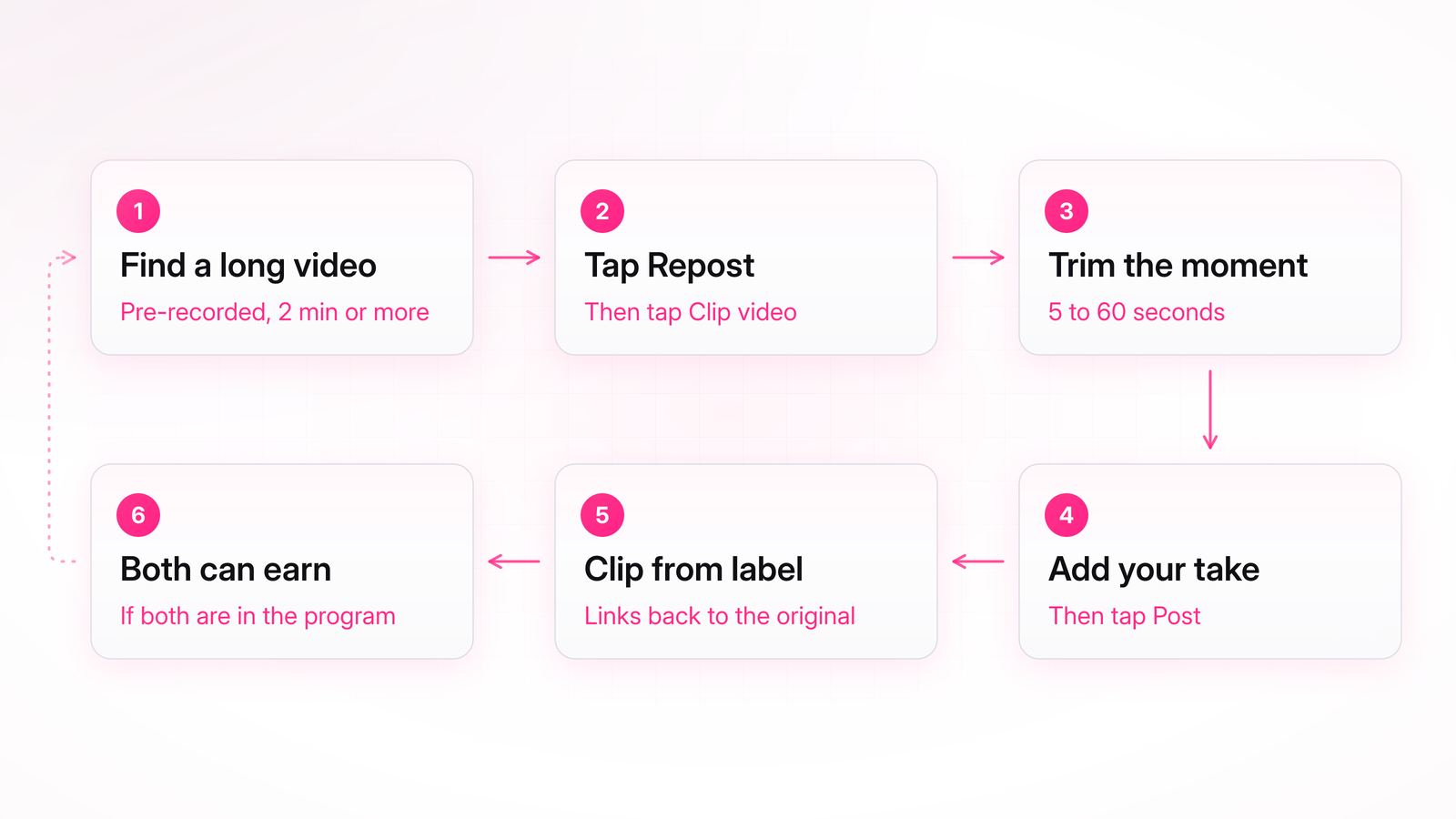
X calls it clipping. You pick a moment from a video in your feed, trim it, write a line about it and post it, all inside the X app.
No downloading, no editing app, no reuploading. Every clip carries a Clip from label that takes viewers back to the full video, so the creator gets the credit.
X also says both sides can get paid. The person who clips and the person who made the video can each earn from the clip, if they're in X's Original Content Rewards program.
Find a long video, tap Repost, trim your moment, add your take and post. If you make long videos yourself, the same feature turns every viewer into a possible clipper.

Keep reading with Pro
Every Pro guide, new ones added regularly. Cancel anytime.