
How to build your own private screenshot editor with Claude Code
You can have your own screenshot editor that crops, blurs, blacks out and frames images without uploading them anywhere.
Creators share screenshots all day. Sponsor dashboards, payout pages, DMs and analytics often carry an email, an account number or a key you never meant to post.
With a free online editor, it's hard to tell if your image stays on your computer or goes to someone's server first. This guide skips that question.
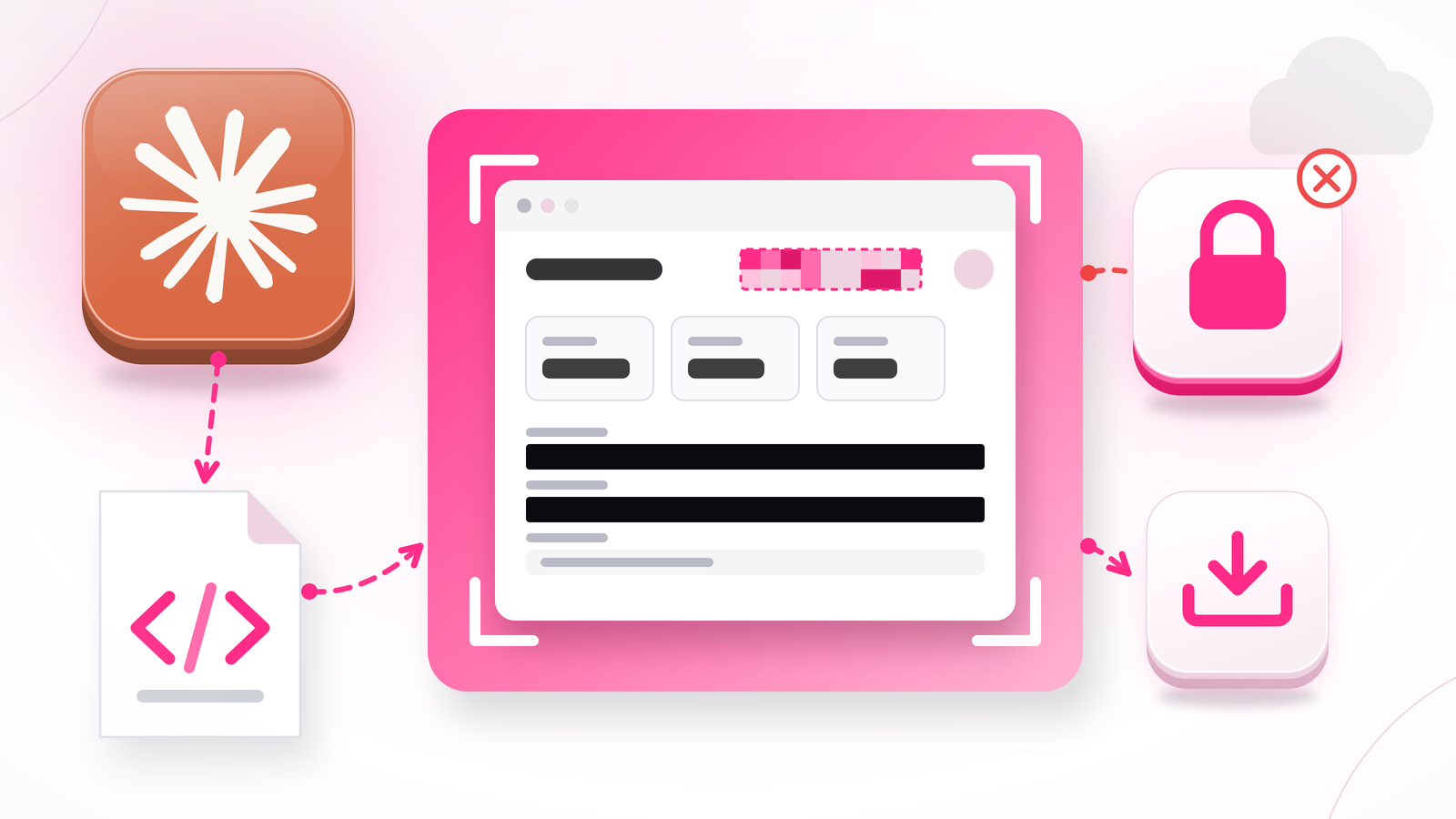
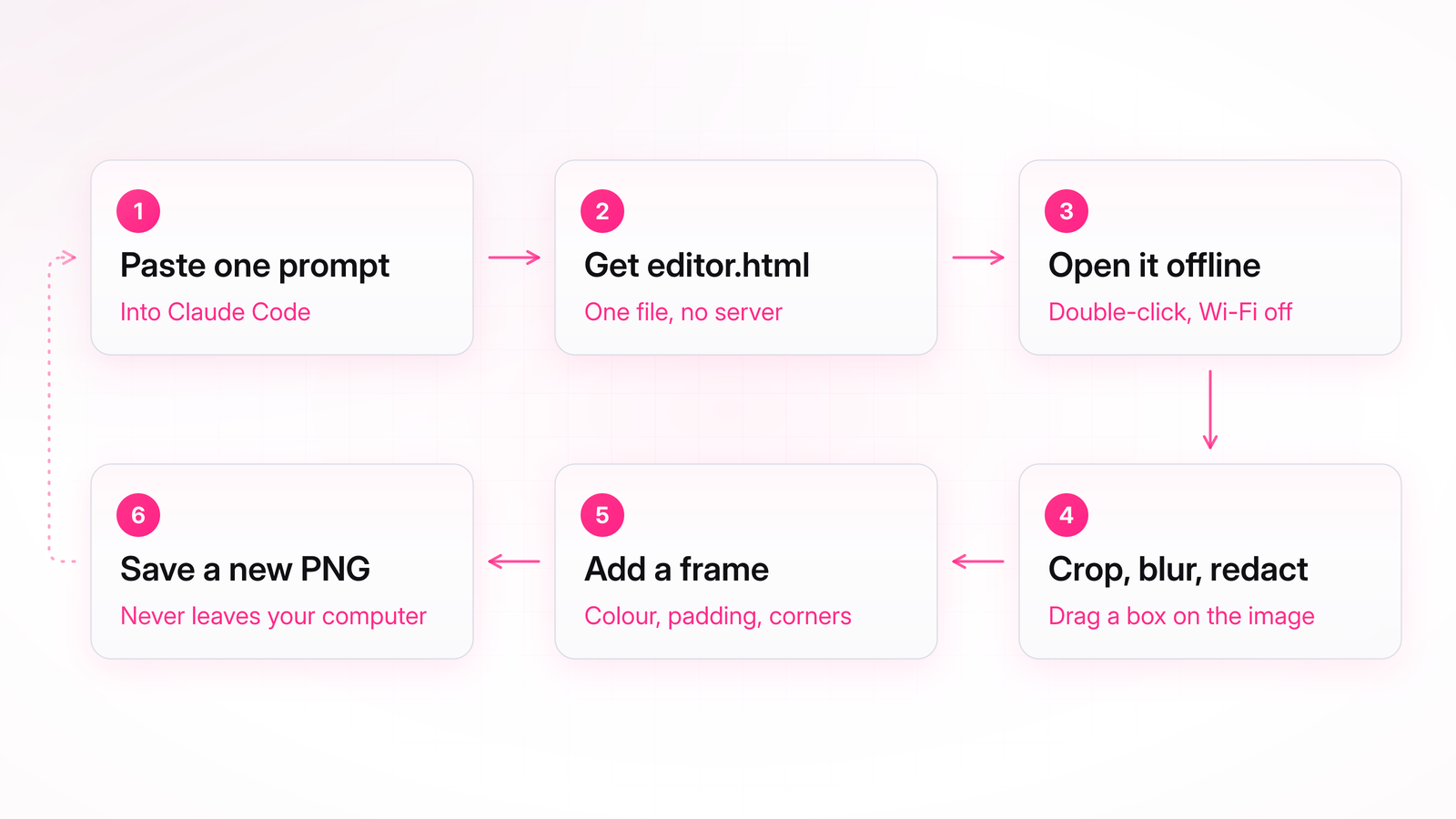
One prompt to Claude Code gives you one file, editor.html. Double-click it, your browser opens it, and every edit happens inside that browser tab.
The file also carries a lock. A single line tells the browser to block the page from loading or sending anything over the internet, so a slip in the code can't quietly upload your image.
We built it, then tested it with the internet switched off and a fake upload. The upload was blocked, and every edit still worked.
Read the full guide free
Already have an account? Log in