
How to make your AI-built site feel like an app on a phone
One free skill makes Claude Code fix the little things that make your site feel like a website on a phone.
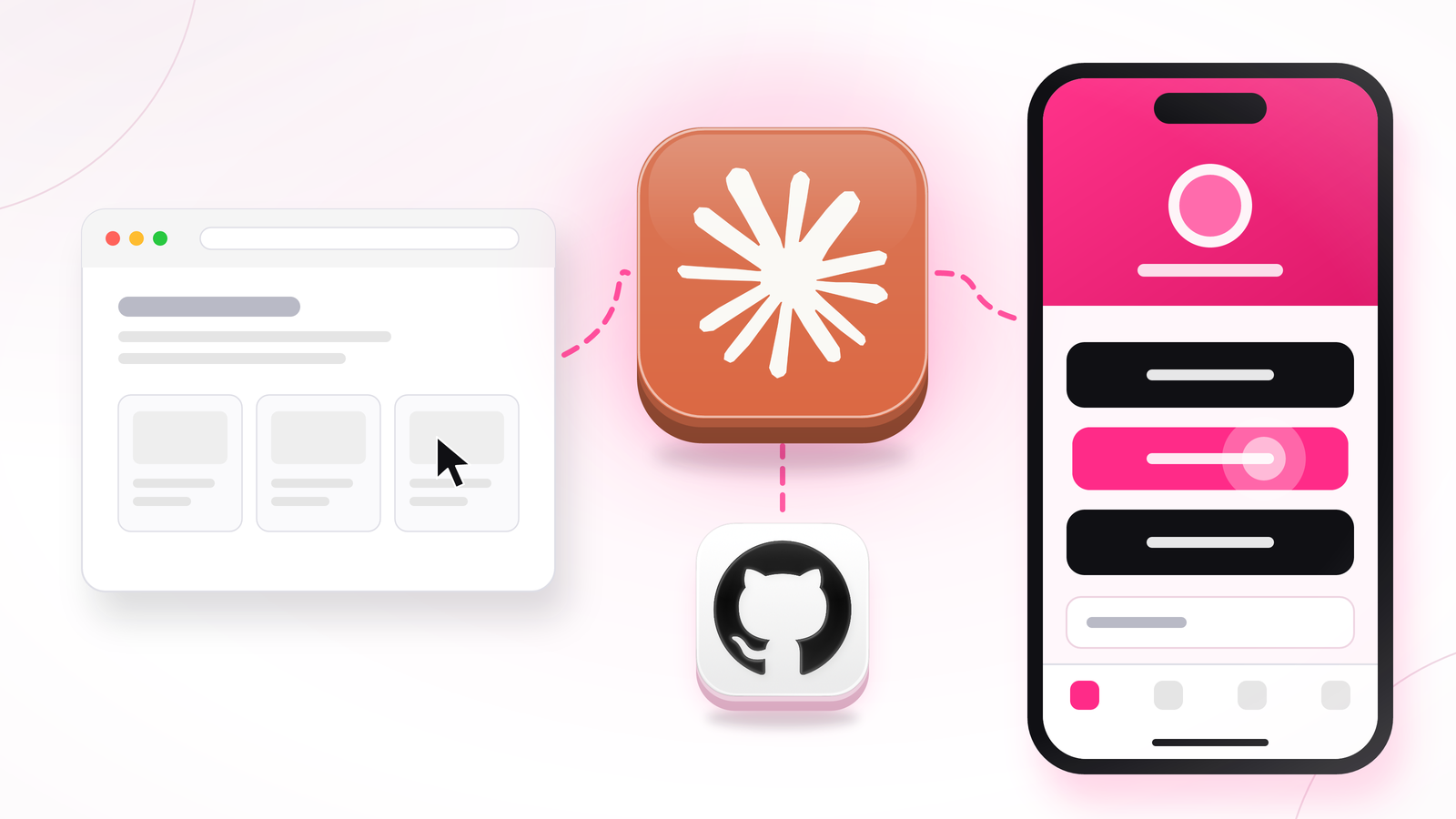
Sites built with AI usually look great on a laptop. On a phone, buttons stay highlighted after a tap, the page zooms in when someone types an email, and the bottom button hides behind the browser bar.
None of these are big bugs. Together they make a link in bio page, a course site or a landing page feel cheap, right where most of your audience sees it.
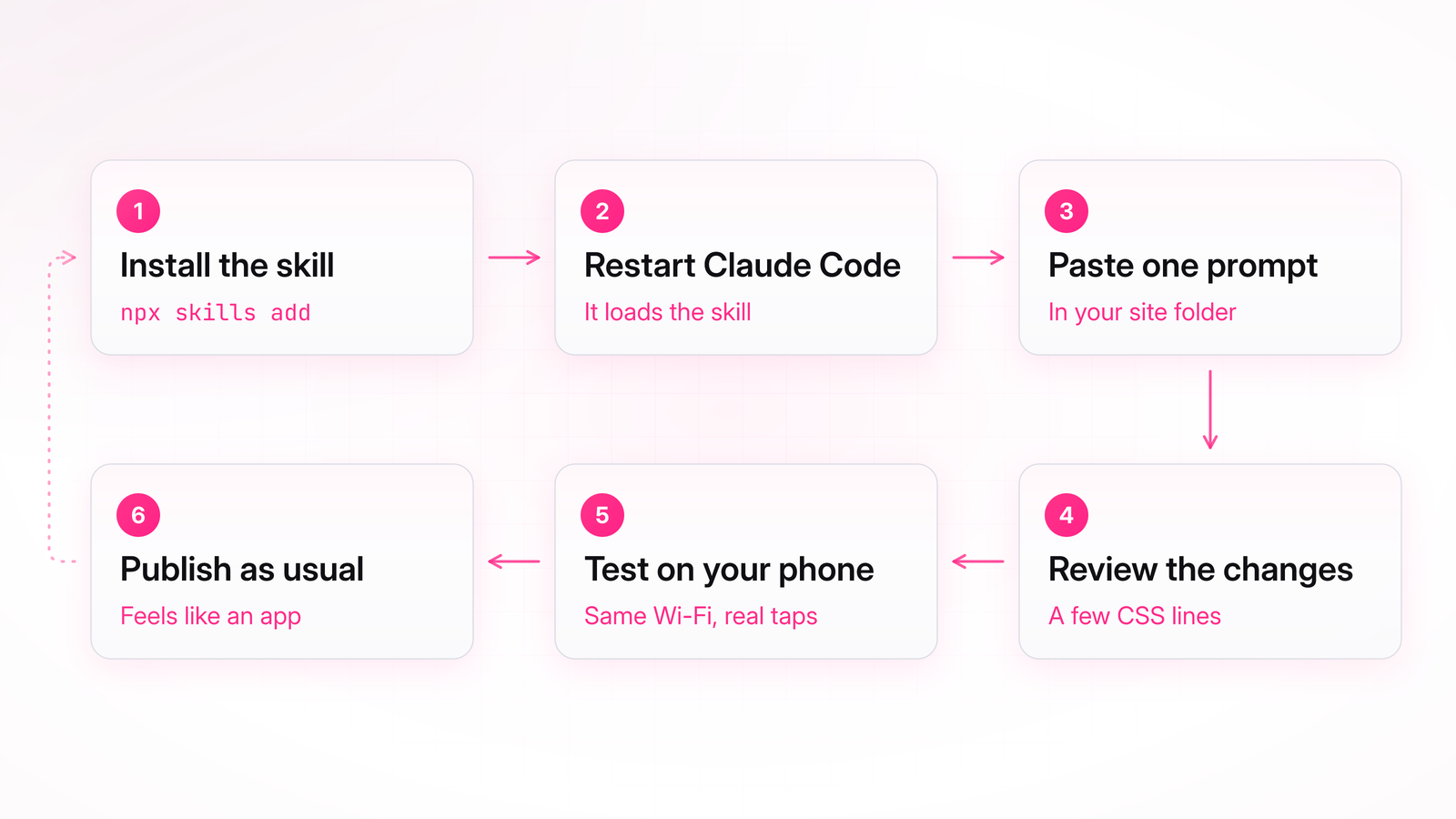
The skill is called mobile-native, made by designer Emil Kowalski. You install it with one line, paste one prompt, and Claude finds and fixes these spots for you.
Keep reading with Pro
Every Pro guide, new ones added regularly. Cancel anytime.