
How to create Paper designs from Linear issues
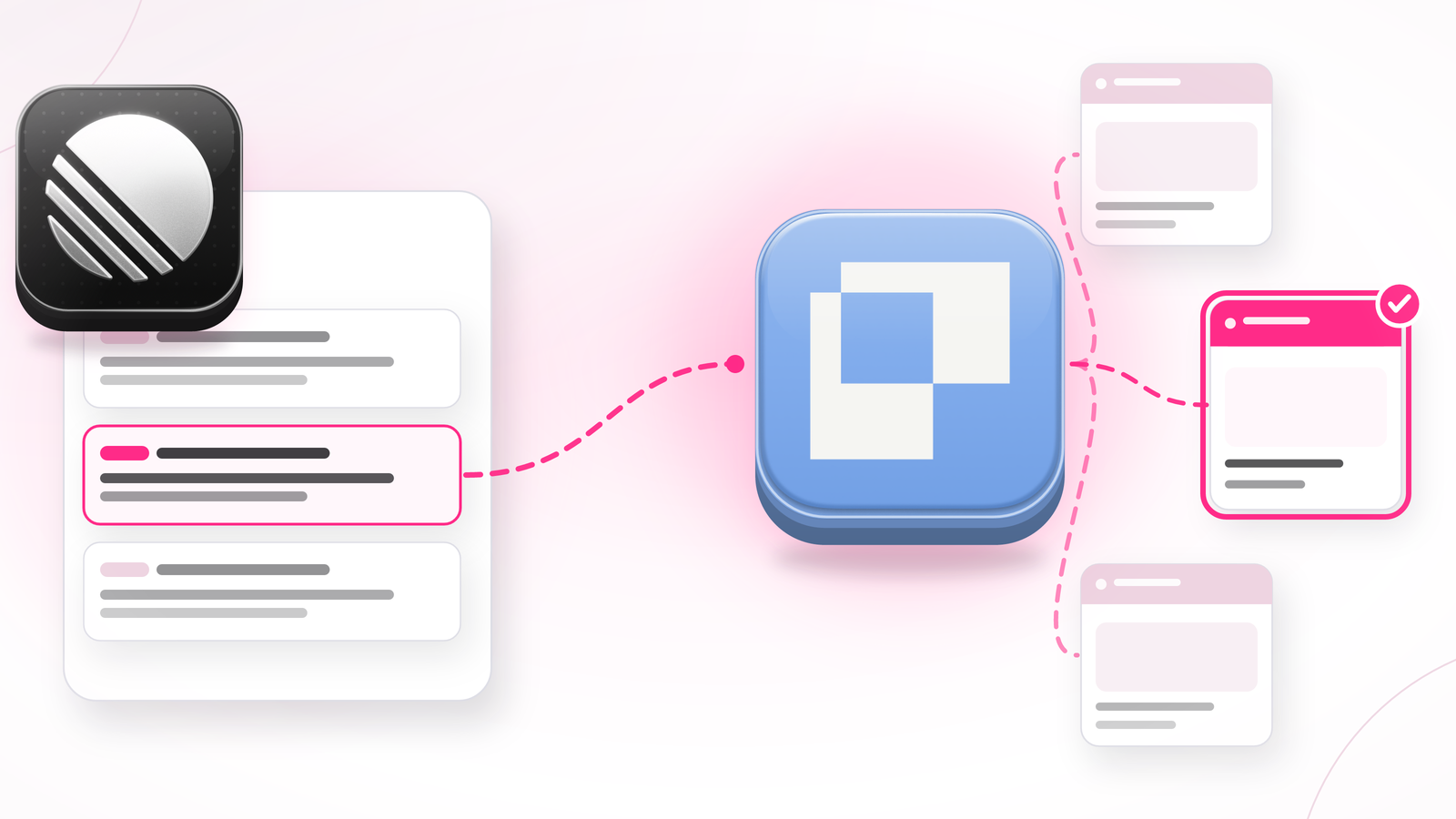
Connect Paper to Linear once, and a new issue can show up with design options already waiting in a Paper file.
Linear Agent reads the issue, builds the directions on the Paper canvas, and comments the link so the whole team can open it.
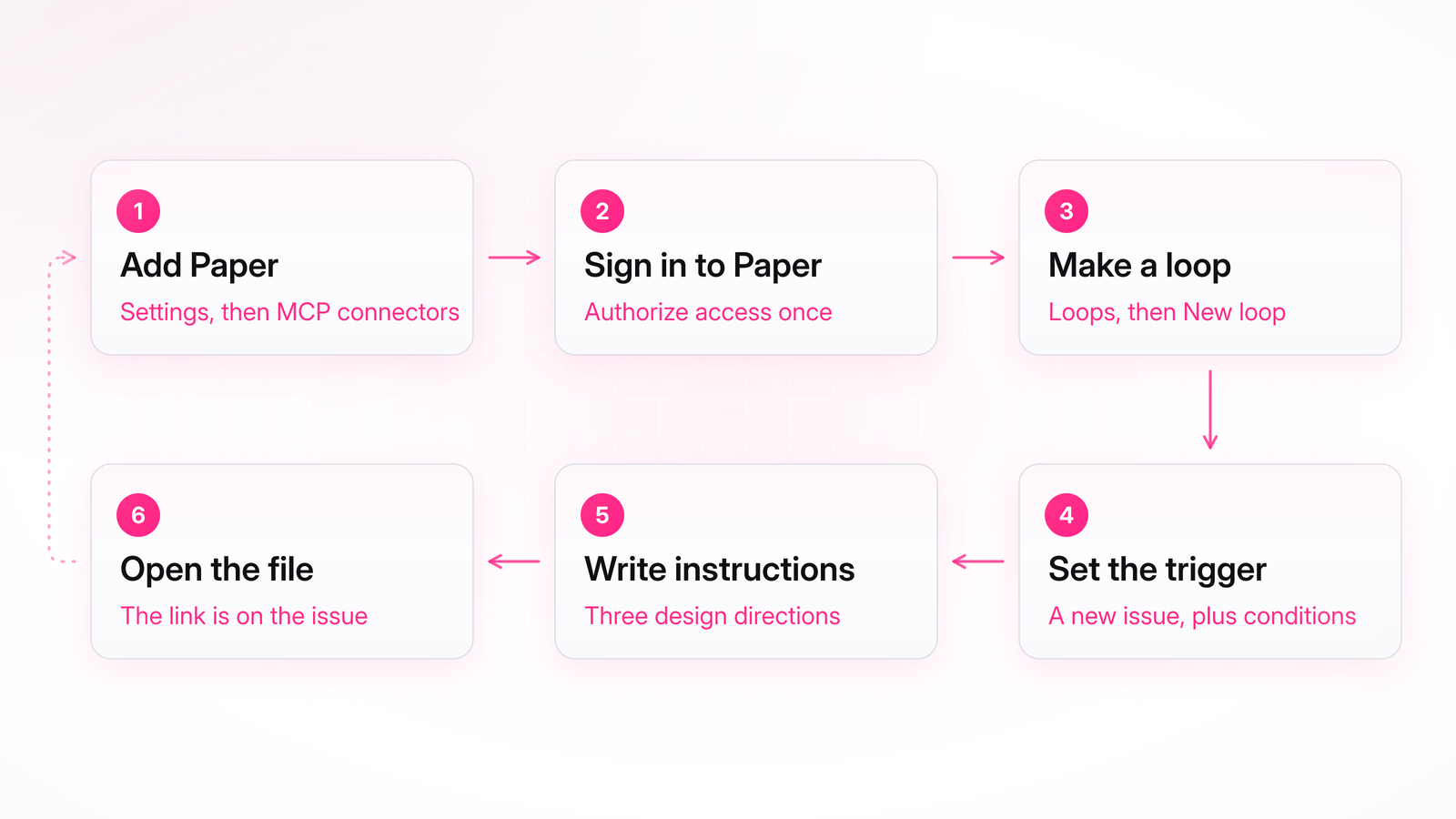
You can ask for this in a Linear Agent chat. To have it happen in the background, you set up a loop.
Add Paper, write the loop, and the file link lands on the issue.
Keep reading with Pro
Every Pro guide, new ones added regularly. Cancel anytime.