
How to set up a GTA 6 clipping page with Claude Code and a free starter kit
One free starter kit turns a 10 hour GTA 6 stream into a short list of moments and ready to edit vertical clips, without watching the stream yourself.
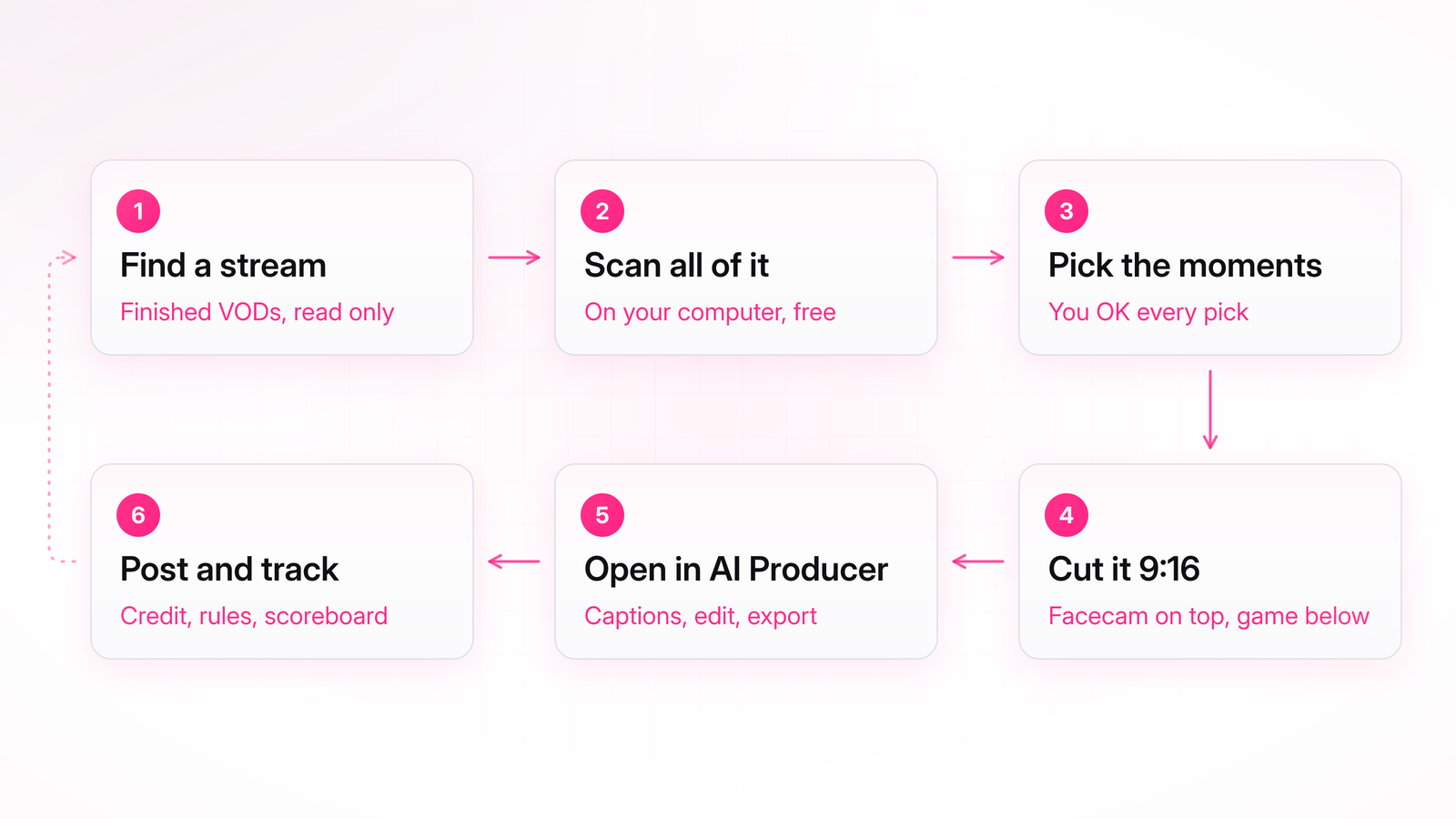
The kit is gtavi-aiproducer, an open source Claude Code plugin. Claude scans the whole stream on your computer, ranks the loudest and most talked about moments, and cuts the ones you pick into 1080x1920 clips with the facecam on top and the game below.
Each clip then opens in AI Producer, an editor from OpusClip, where the word by word captions, the timeline and the export live. You get an editable project link and a finished MP4.
This guide sets the kit up step by step and runs it on a real 30 minute test stream. Every screenshot below is from that run.
Disclosure: Creators Toolbox is run by Steven Van, who works at OpusClip, the company behind AI Producer. The starter kit is his and is free under the MIT license.

Keep reading with Pro
Every Pro guide, new ones added regularly. Cancel anytime.