
How to turn your Google Slides into a video with Google Vids
Your slide deck can become a narrated video without opening an editing app.
Google Vids is Google's video maker. It runs in your browser, next to Docs and Slides, and saves your videos to Google Drive.
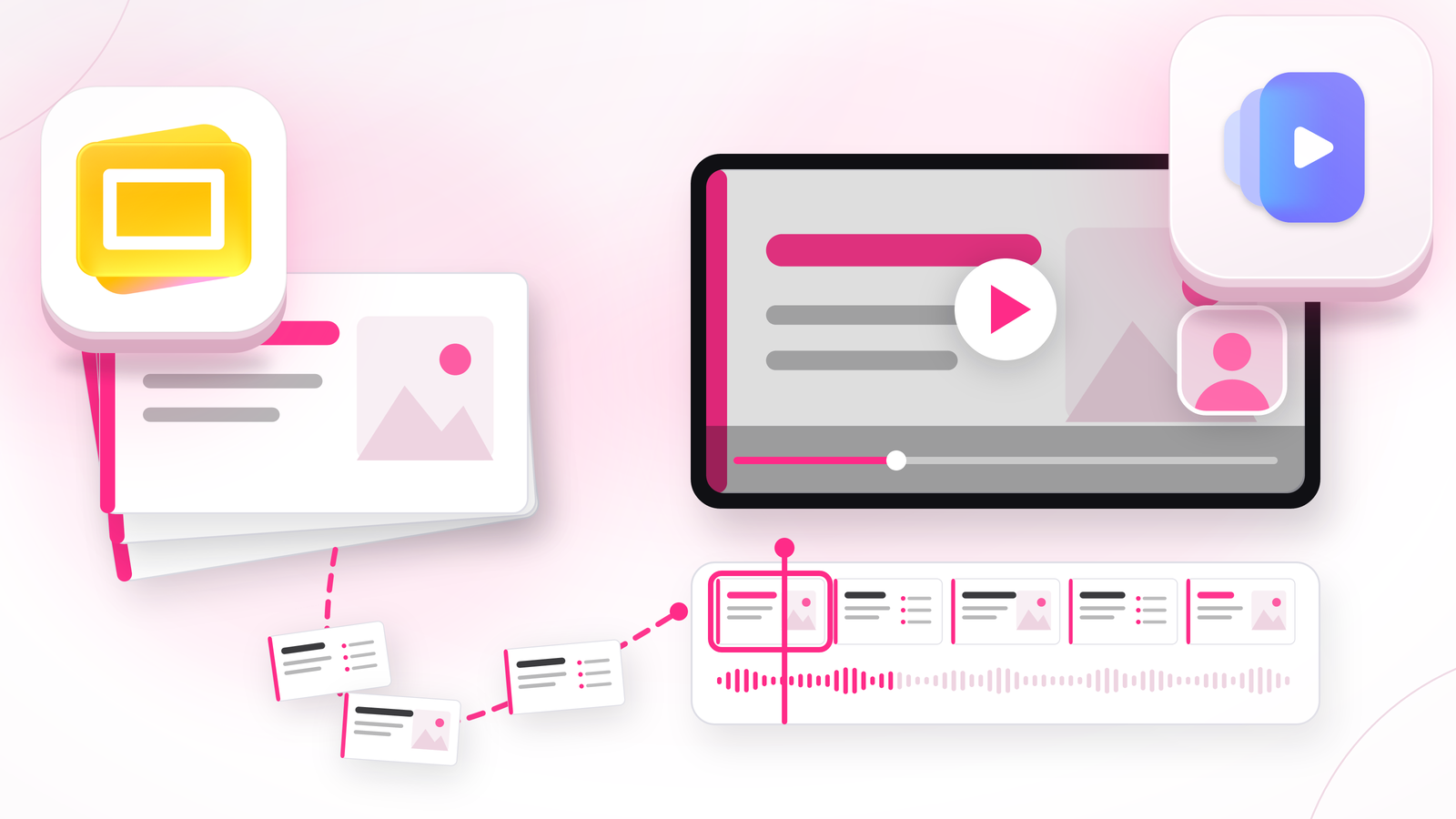
Give it a Google Slides deck and each slide becomes a scene. The speaker notes you wrote under each slide become the script, and Vids can read them out with an AI voice.
You can also record yourself presenting, let an AI avatar do the talking, and reuse your own images, clips and audio across the project. When it's done, you share a link, save an MP4, or send it to YouTube.
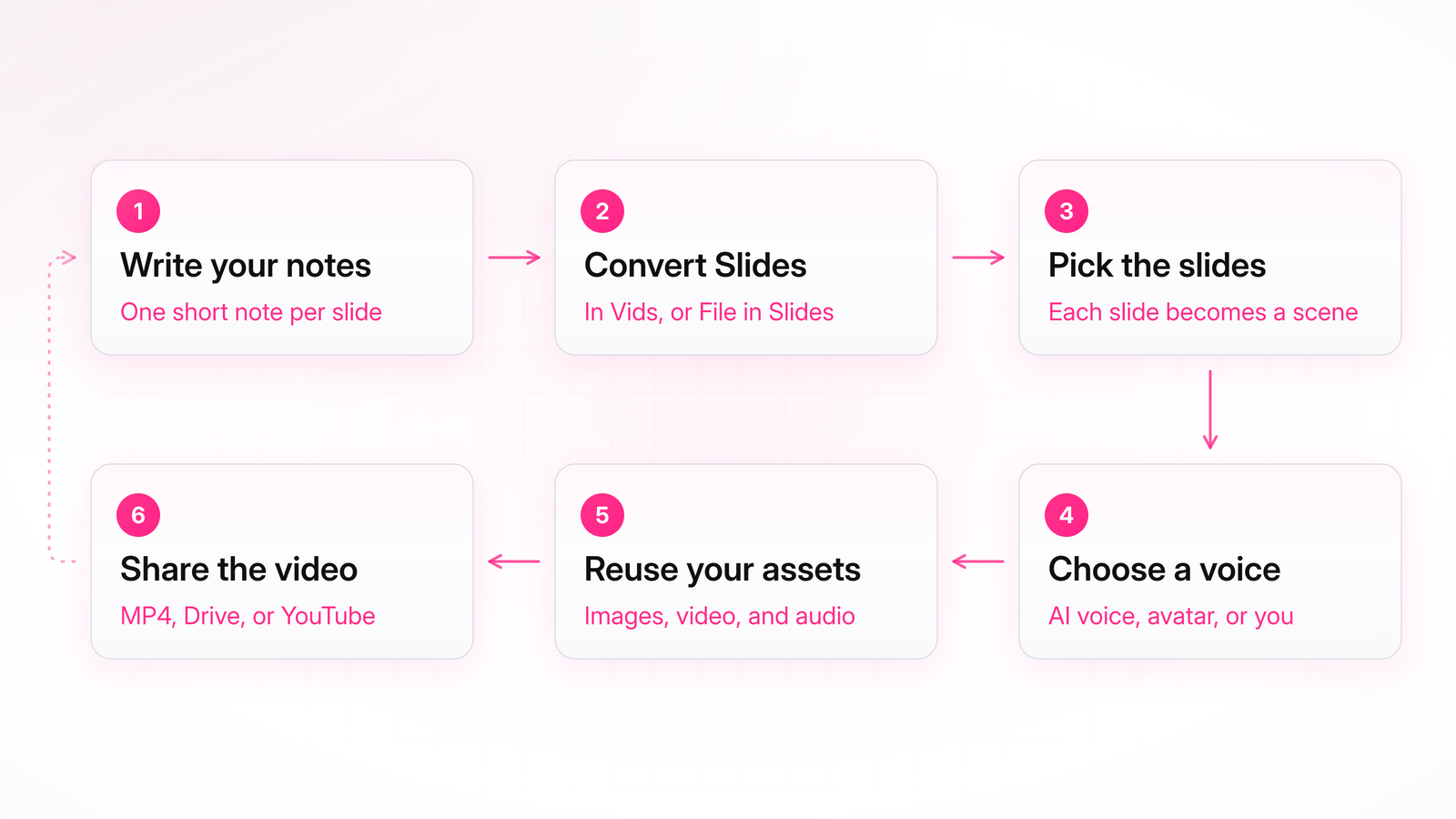
Write a short note under each slide, convert the deck, pick a voice, then share. The rest of this guide shows each step, what's free, and a 5 slide deck to practise on.
Keep reading with Pro
Every Pro guide, new ones added regularly. Cancel anytime.