




Submagic Iris edits a talking-head video into a finished short
Iris is Submagic's AI editing agent for talking-head shorts. You upload a raw talking-head video and Iris cuts it, then adds captions, zooms, B-roll, motion graphics, and music. You get a finished short for TikTok, Reels, and YouTube Shorts, and you can ask for changes in chat.
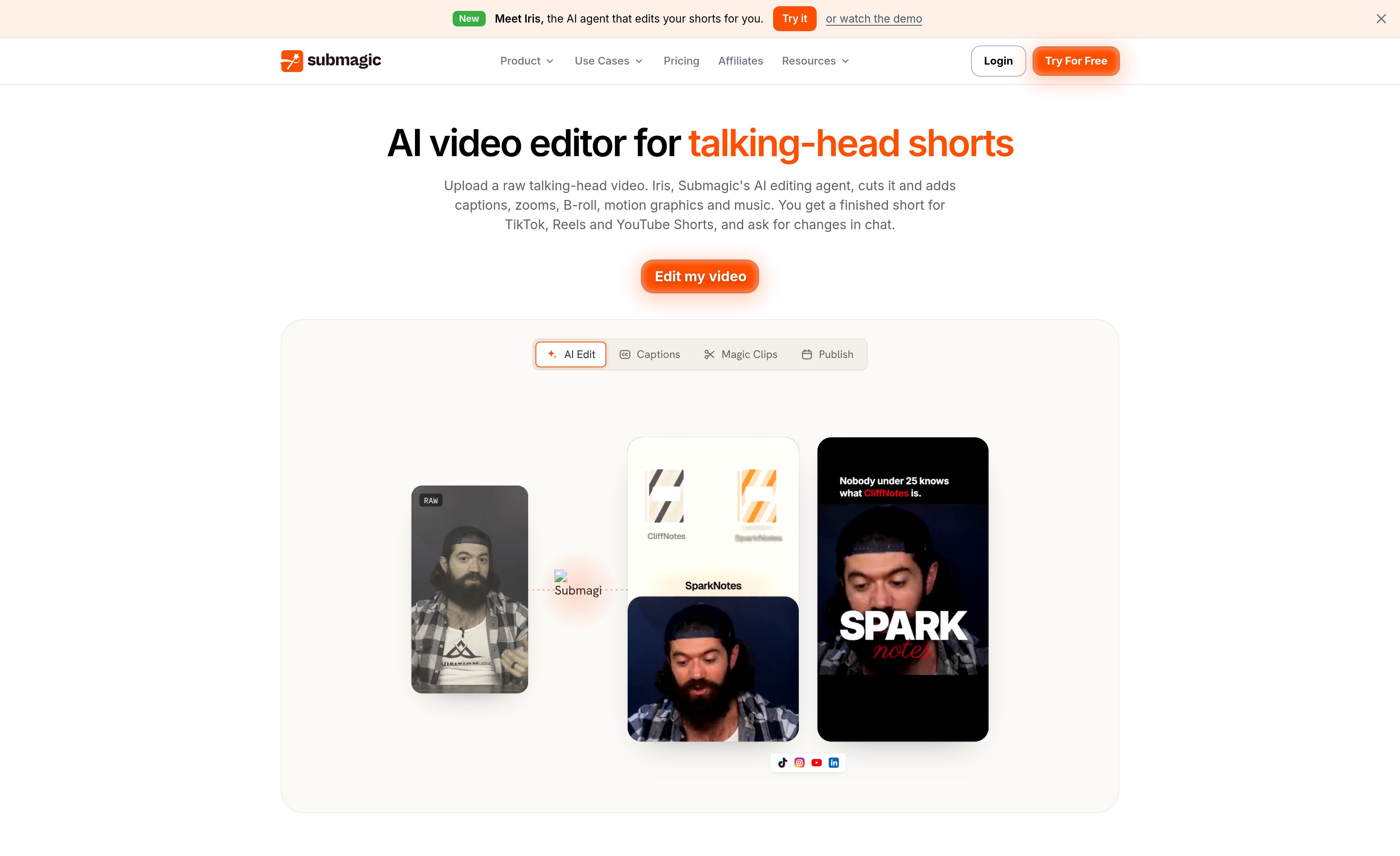
The official flow has four steps. Pick one of 43 editing styles, or paste an Instagram Reel or YouTube Short you like and Submagic turns it into your own template. Upload an MP4 or MOV of up to 3 minutes, vertical or horizontal, from a computer, a phone, or Google Drive. Iris watches the video and makes the edit in the style you picked. Then change anything in chat or by hand in the editor, and export.
Most edits are ready in 11 to 20 minutes, typically 14. A template made from your own reel takes 1 to 2 minutes. An AI edit costs 8 credits from your plan's monthly credits, refunded if the edit fails. Exports use no credits. A template from your own reel costs 4 credits on a paid plan. Each edit includes 20 chat messages; on a paid plan, 20 more cost 8 credits. Cleaning the audio costs 2 extra credits and correcting eye contact costs 3.
Captions follow speech word by word, in 118 languages, in the font and colors of the style you picked. Iris answers chat in the language you write in and can translate captions. There are styles for talking head, podcast and interview, product and demo, and places and tours. Official pages: submagic.co/ai-video-editor and the Iris tutorial. Checked November 17, 2026.